
For founders and CTOs, AI is the ultimate force multiplier. But let’s be honest: most dev teams are using it incorrectly. They treat LLMs like a magic "fix it" button, throwing in vague requests and then spending three hours debugging the hallucinated garbage that comes out.
We have all been there. You copy and paste a "quick fix" into a component and suddenly you are chasing a memory leak that did not exist an hour ago.
Hot take: Relying on "vibe coding" to produce high quality code is a myth. A fairytale pipedream of overeager out of touch C-suite execs who don’t write code. It has never been effective for anything more than prototyping and ephemeral demos.
If you want to release products at startup speed without building up a mountain of technical debt, your team needs to treat the prompts you use with AI like production code. Here is how we get AI to behave predictably and scale reliably.
The 4 Part Prompt Architecture Used by Senior Engineers
Senior engineers don't just "chat" with AI. Instead, they clearly define the context and the goal to guide the AI's execution. Since large language models are better at pattern matching than actual reasoning, an engineer's job is to give the AI a clear, well-defined map. If the map is confusing, the resulting code will be flawed.
To get results that are ready for production, you need to use a structured framework. This leaves very little room for the model to get "creative" (which really just means making harmful mistakes).
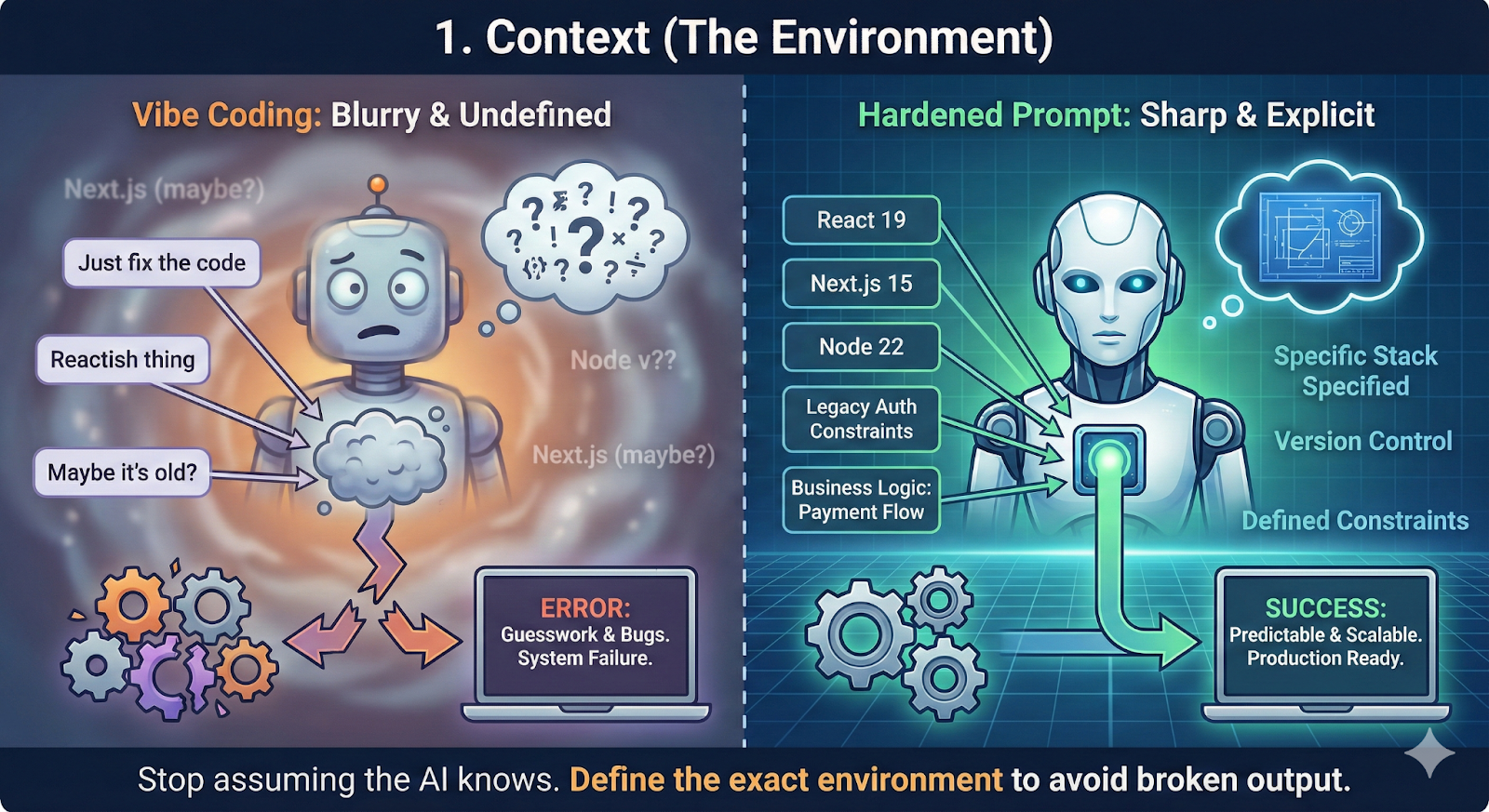
1. Context (The Environment)
Stop assuming the AI knows your stack. Specify the exact versions such as React 19, Next.js 15, or Node 22. Mention the specific business logic or legacy constraints you are navigating. If you do not define the environment, the AI will guess, and usually it guesses wrong.
Pro-tip: Use the AI within your IDE code environment and use the memory-bank framework so the AI has access to your codebase and can detect these details in a structured way.
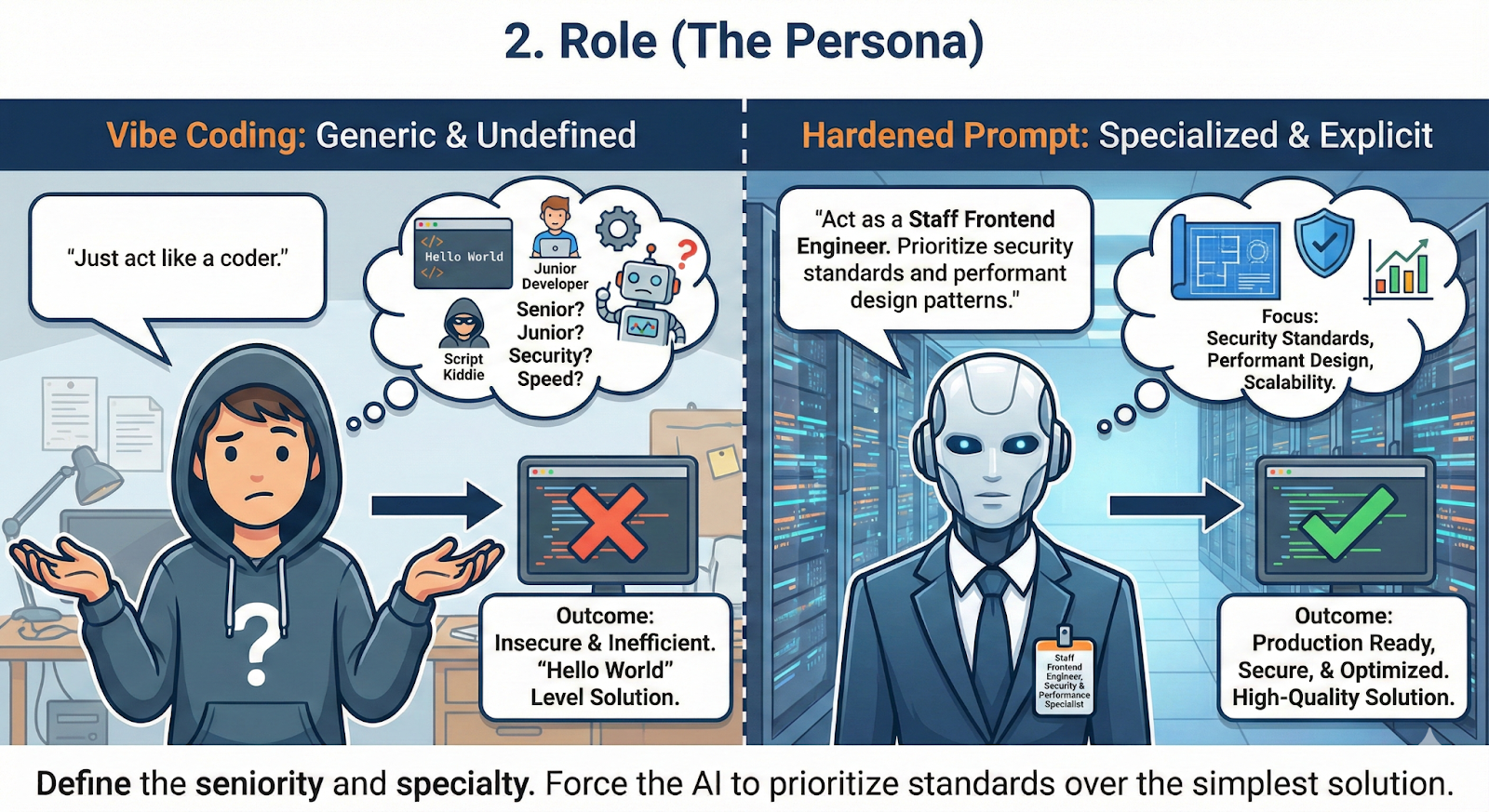
2. Role (The Persona)
Do not just ask for "a coder." Define the seniority and the specialty. Instruct the AI to act as a "Staff Frontend Engineer" or a "Database Architect focused on high concurrency PostgreSQL." This forces the model to prioritize security standards and performant design patterns over the simplest "Hello World" solution.
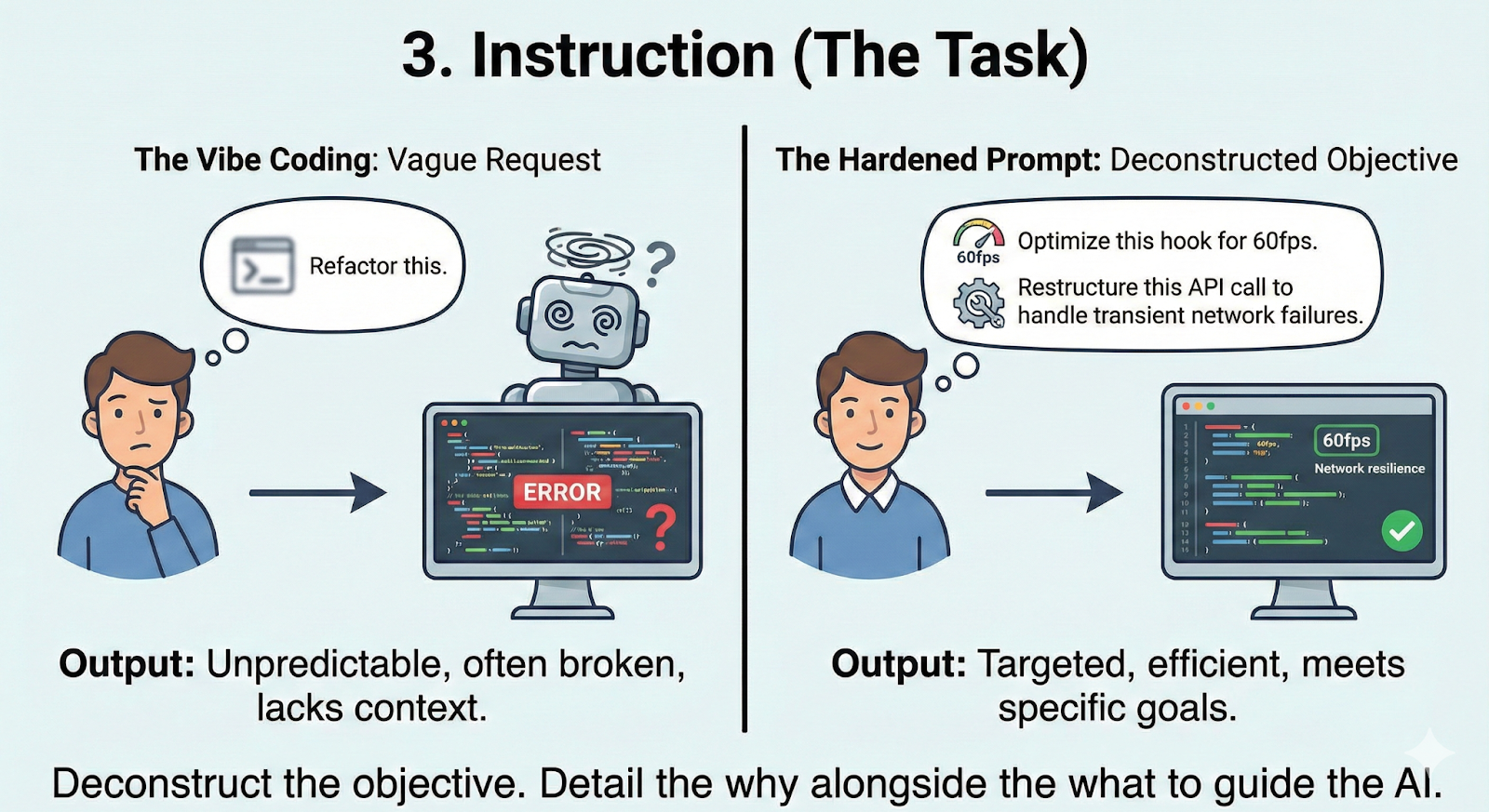
3. Instruction (The Task)
Deconstruct the objective. Do not just ask to "refactor this." Ask it to "optimize this hook for 60fps" or "restructure this API call to handle transient network failures." Detail the why alongside the what.
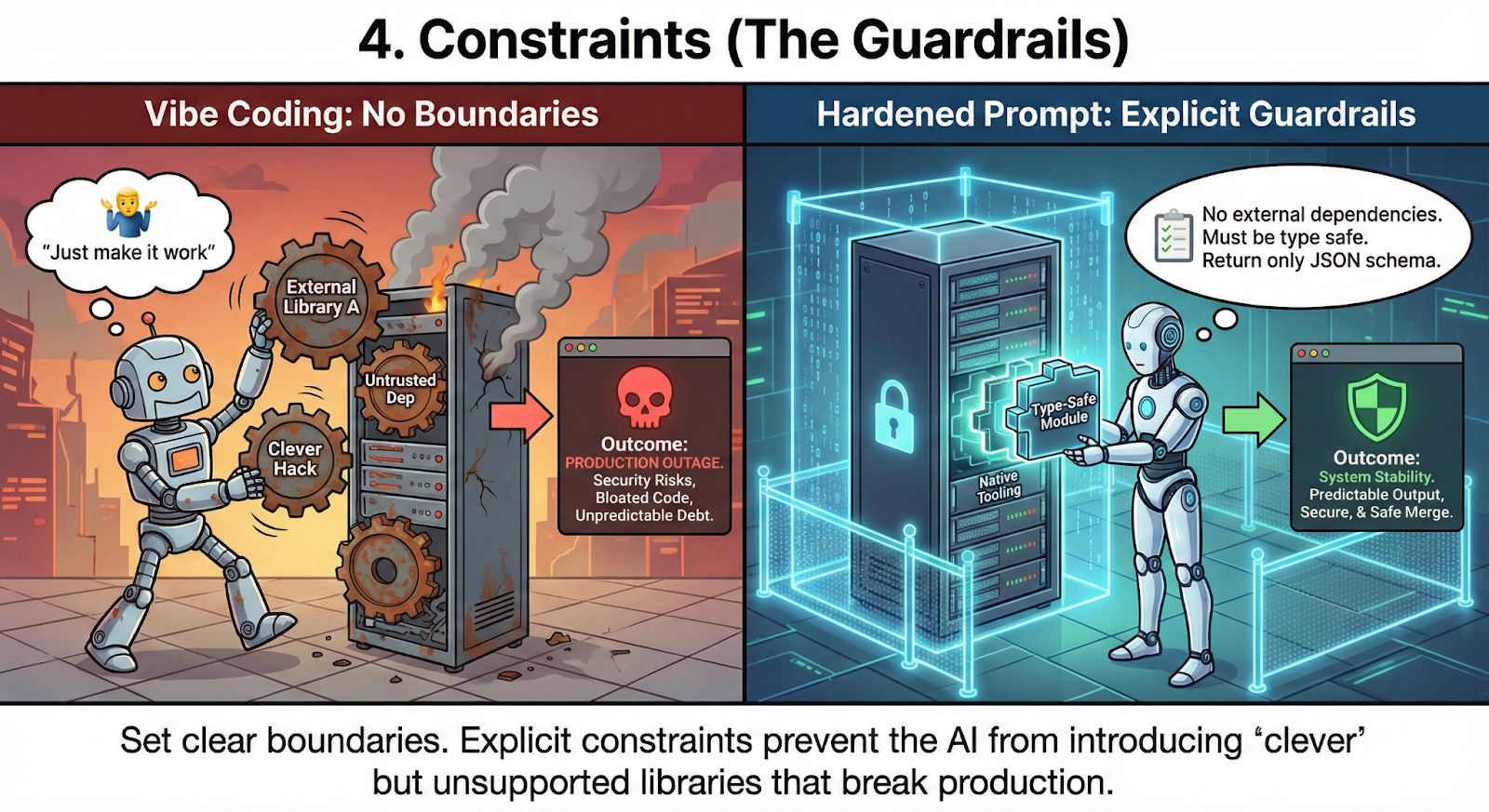
4. Constraints (The Guardrails)
This is where you prevent production outages. Be explicit about your requirements: "No external dependencies," "Must be type safe," or "Return only the JSON schema." Clear boundaries prevent the AI from introducing "clever" libraries that your team does not actually need or support.
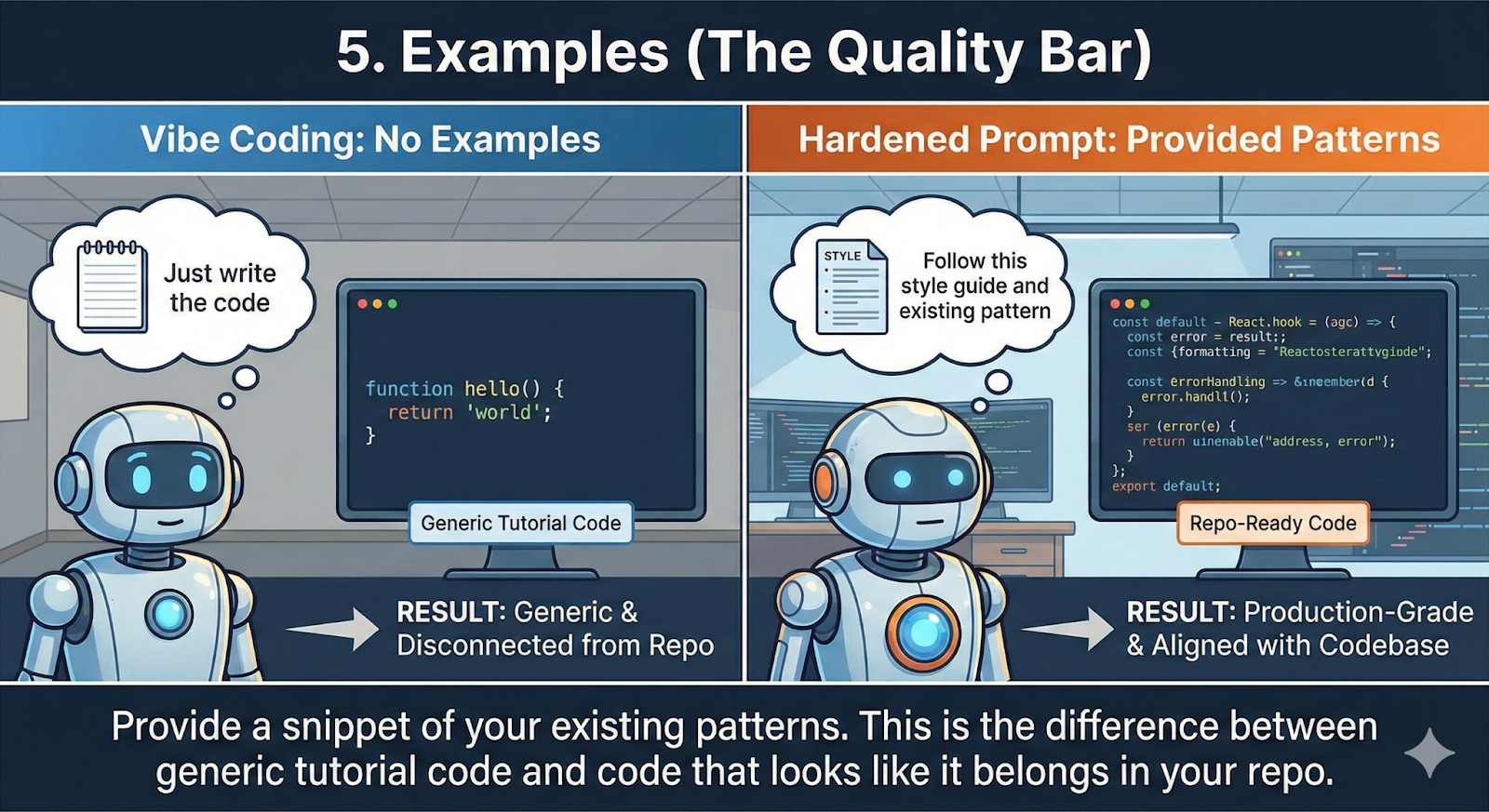
5. Examples (The Quality Bar)
If you have a specific way you write code, show it. Provide a snippet of your existing patterns. This is the difference between getting code that looks like it belongs in your repo and code that looks like a generic tutorial.
Junior vs Senior Prompting: A Reality Check
The difference between a junior and a senior approach is the difference between a "hopeful" click and a "verified" build.
- The Junior Prompt: "How do I make this div responsive and center it?"
- The Result: A generic snippet that likely breaks your CSS grid and ignores accessibility.
- The Senior Prompt: "Act as a Senior Frontend Engineer. Using Tailwind v4, refactor this container for perfect centering. Maintain ARIA compliance and prevent layout shifts below 360px. Ensure no breaking changes to the parent flexbox."
- The Result: Code that actually works on the first try and does not trigger a PR rejection.
Next Steps
To scale this, you need a cultural shift. Stop treating prompts as temporary chats. Start version controlling your core prompts.
Encourage your team to end every prompt by asking the AI: "What context am I missing that would make this solution fail in production?" This forces a feedback loop that uncovers edge cases before they hit your staging environment.
Your value is no longer just writing syntax; it is orchestrating the intelligence that builds the system.
At DevTeamsOnDemand, we have seen how mastering this orchestration can triple engineering velocity without sacrificing system integrity. If your team is struggling with AI generated technical debt, let’s talk about how our developers can help you ship smarter and faster.